
Documentation

Documentation

  • Camcode Store
  • LabelPortal

›Reporting

Asset Tag Management

  • Asset Tag Management

Order Management

  • Order Management

Importing Vendors

  • Importing Vendors

Inventory Management

  • Inventory Management
  • Changing the Sequence Year

Reporting

  • Reporting

Reporting

Generate Order Report

  1. Log in the Admin Dashboard.
  2. Go to the Manage Inventory section.
  3. At the "Generate Order Report" section, set the Start Date and Order Date.
  4. Click on "Generate PDF Report" and "Generate CSV Report" based on the desired report.
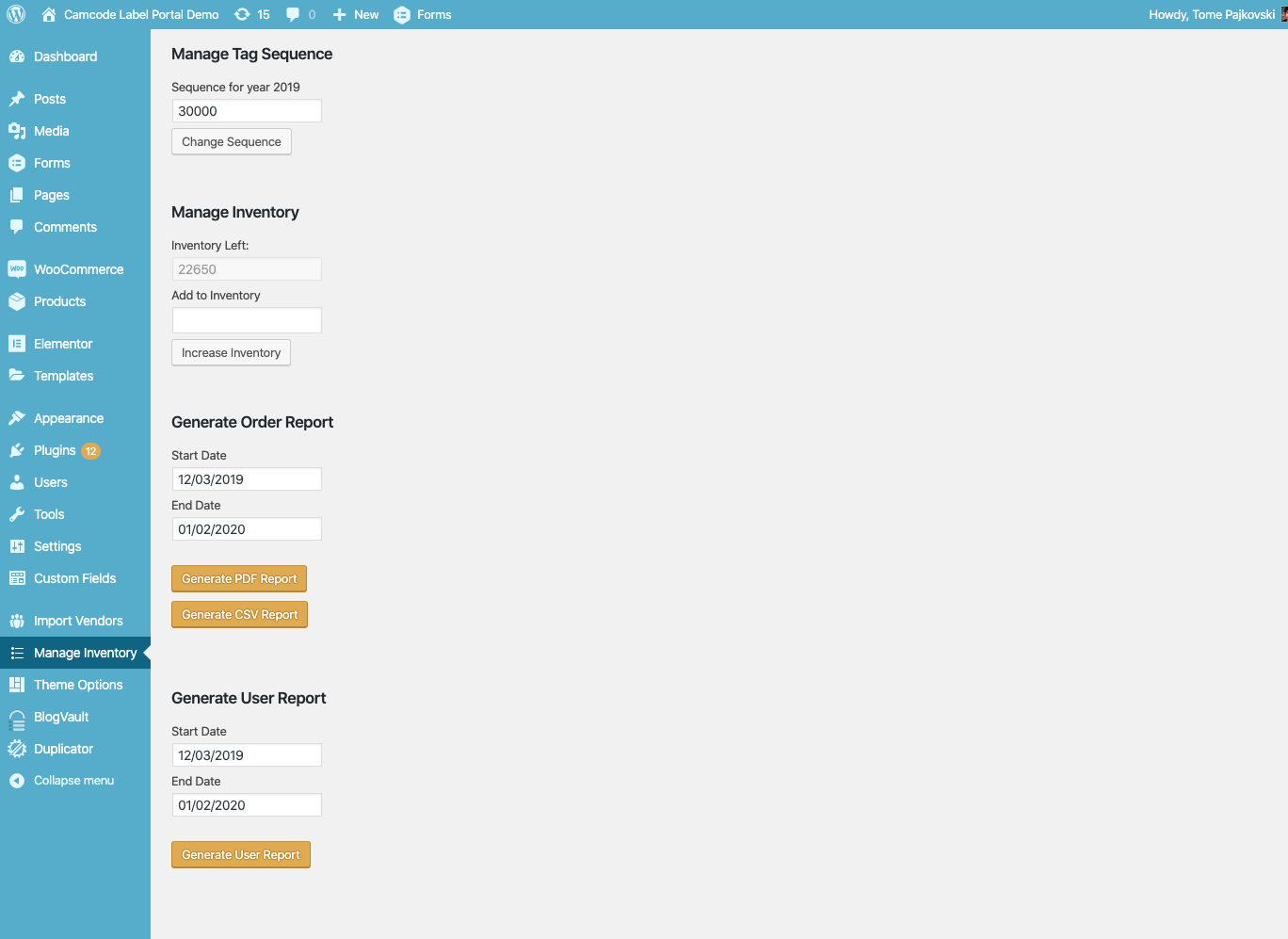
Generate Report

Generate User Report

  1. Log in the Admin Dashboard.
  2. Go to the Manage Inventory section.
  3. At the "Generate User Report" section, set the Start Date and Order Date.
  4. Click on "Generate User Report".
← Changing the Sequence Year
  • Generate Order Report
  • Generate User Report
Docs
Getting Started (or other categories)Guides (or other categories)API Reference (or other categories)
Community
User ShowcaseStack OverflowProject ChatTwitter
More
BlogGitHubStar
Copyright © 2022 Camcode