Troubleshooting
If the data is not written at all in AX
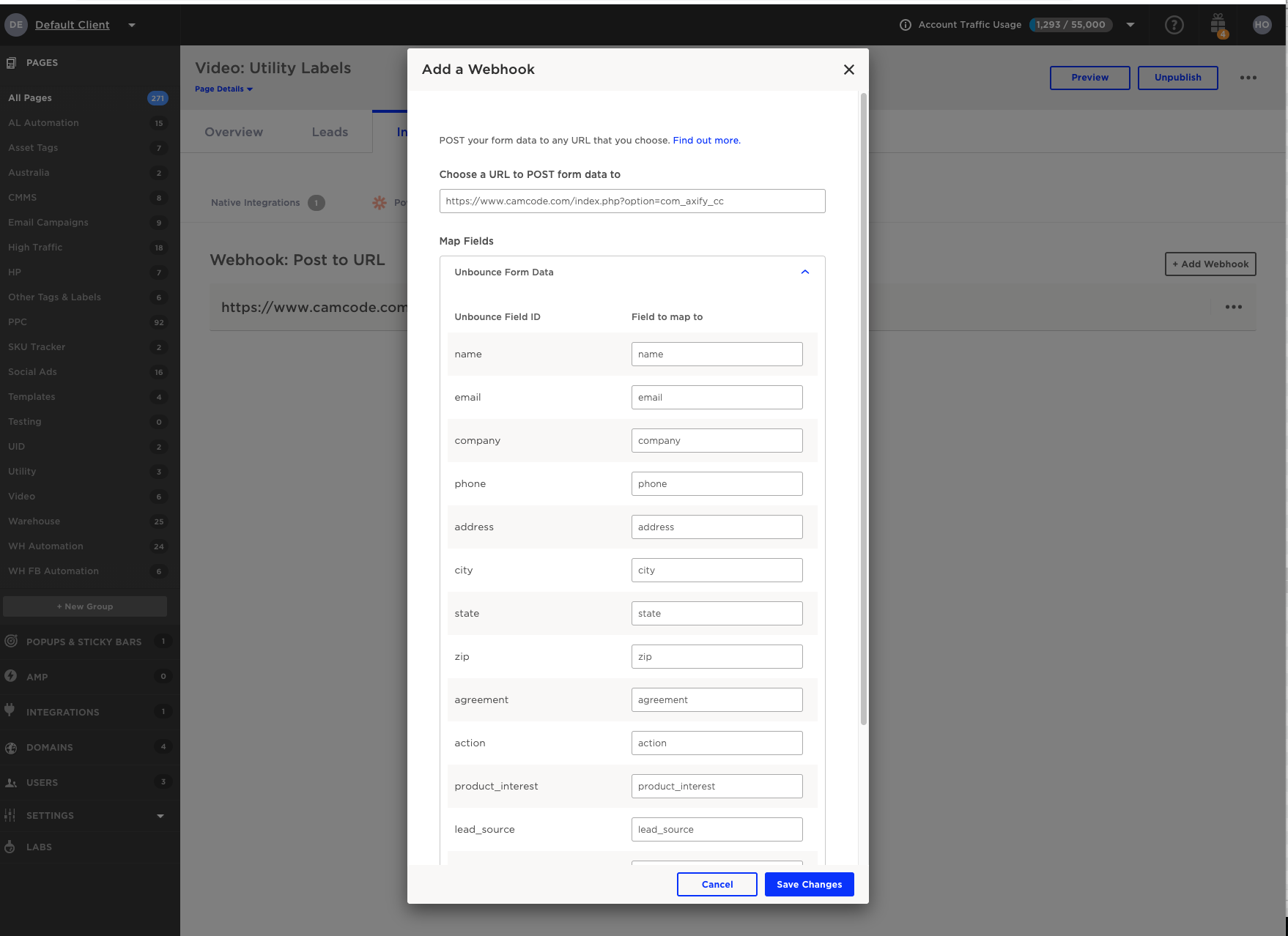
- Check if the webhook is present
- Check if the webhook URL is correct
If the data is not properly organized written in AX
- Open the unbounce page and check the names of the form fields
- Open integrations > webhook and click on ...
- Click on Edit Webhook
- Click on Unbounce Form data, and check if the fields are properly mapped
- Contact Camcode Support