
Reporting
Generate Order Report
- Log in the Admin Dashboard.
- Go to the Manage Inventory section.
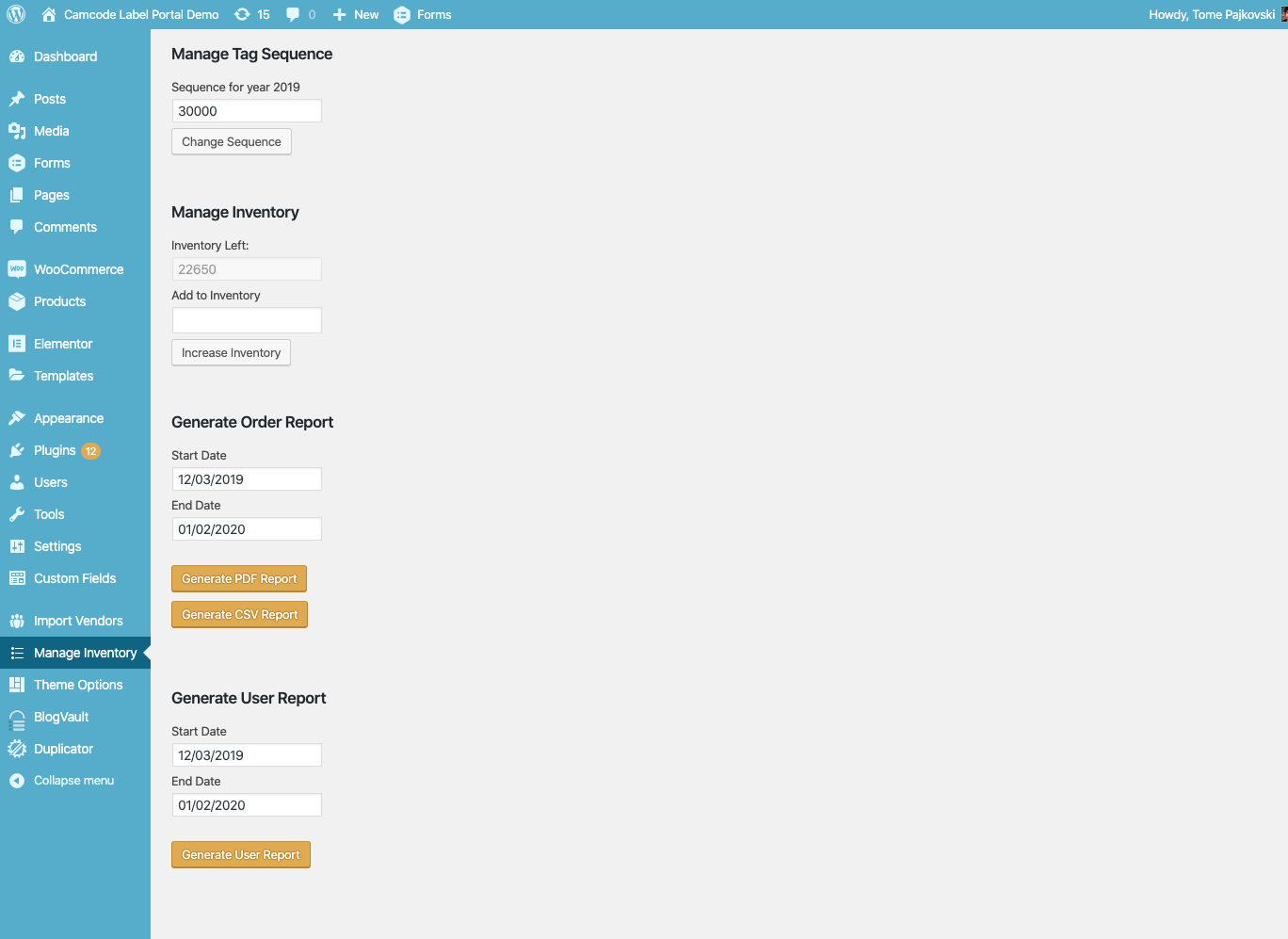
- At the "Generate Order Report" section, set the Start Date and Order Date.
- Click on "Generate PDF Report" and "Generate CSV Report" based on the desired report.
Generate User Report
- Log in the Admin Dashboard.
- Go to the Manage Inventory section.
- At the "Generate User Report" section, set the Start Date and Order Date.
- Click on "Generate User Report".